TradingView signals.
Agentic execution.
QuadTrendPro connects structured TradingView alerts to Robinhood Agentic MCP — with risk controls, webhooks, and a member portal built for disciplined SPY options flow. See pricing or the FAQ.
Already a member? Sign in to the desk
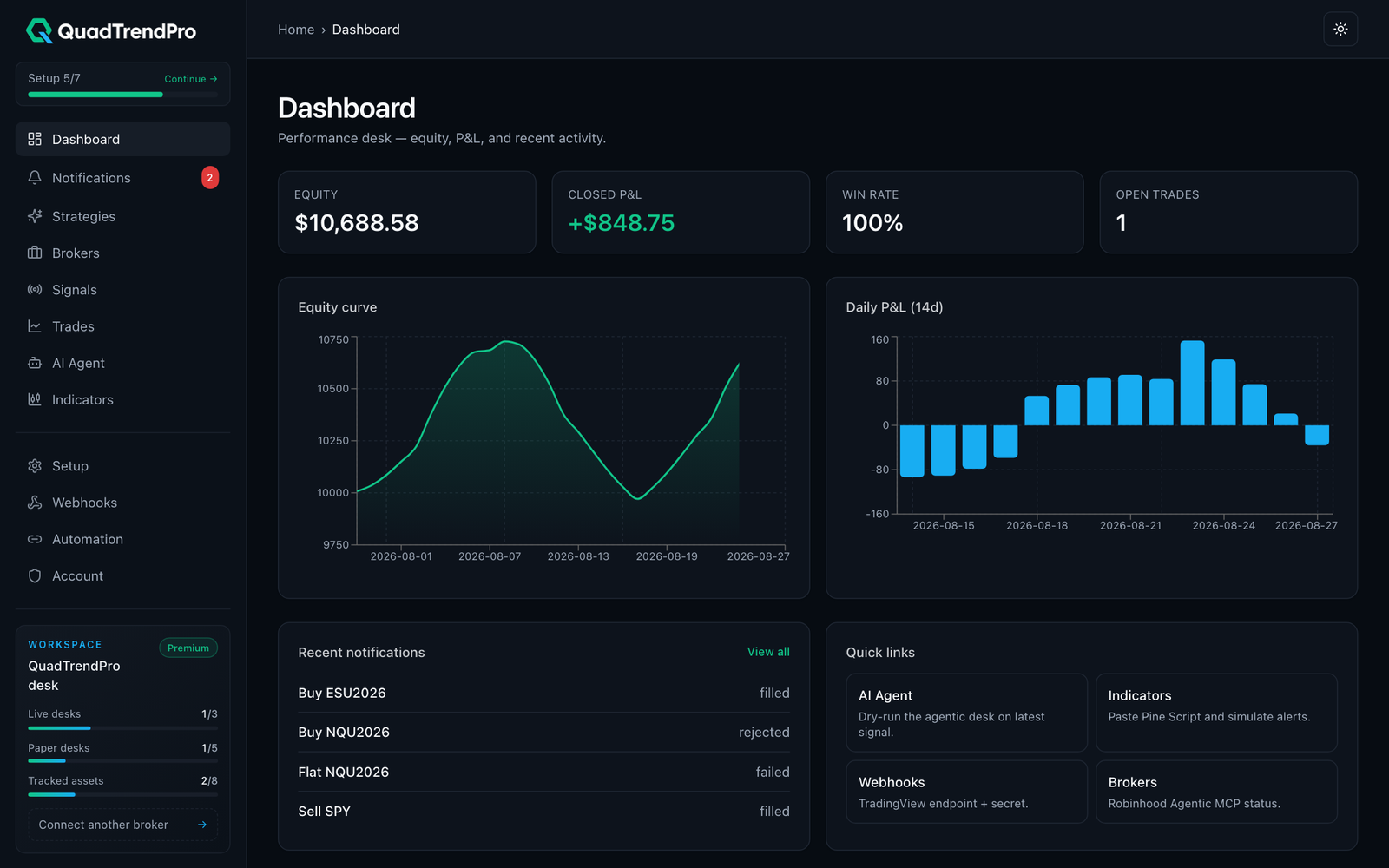
From checkout to agentic execution
Five steps in the same member app you use after you sign in.
STEP 01
Join & sign in to the member app
Checkout on pricing, activate your invite, and land in the QuadTrendPro portal with your membership ready.
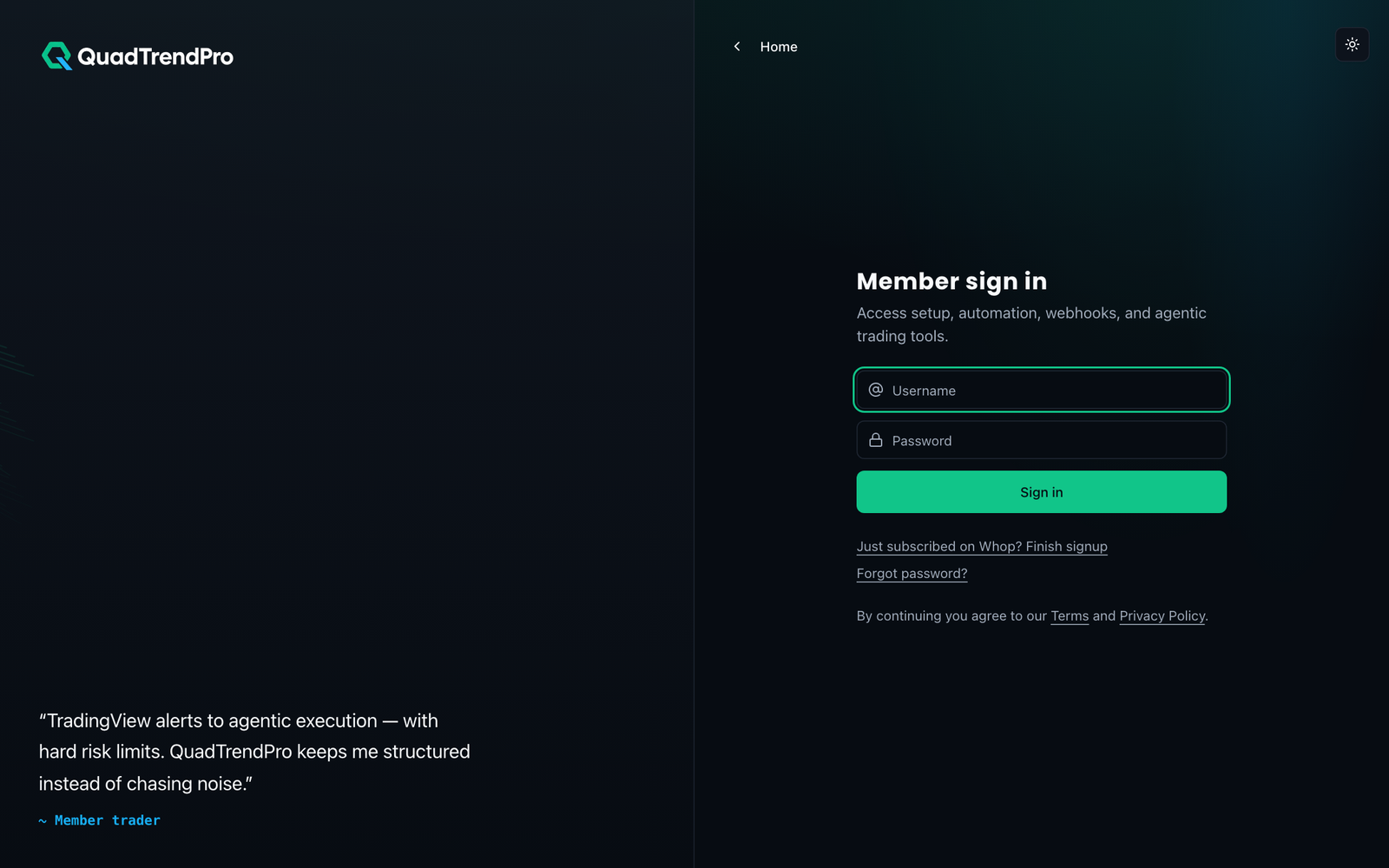
STEP 02
Desk overview — signals, risk, activity
See live desk status, recent alerts, and risk posture in one dashboard. Learn more in the about page or jump straight to member login.
STEP 03
TradingView invite & setup checklist
Submit your TradingView username, complete the guided checklist, and unlock QuadTrendPro indicators. Setup questions? See the FAQ.
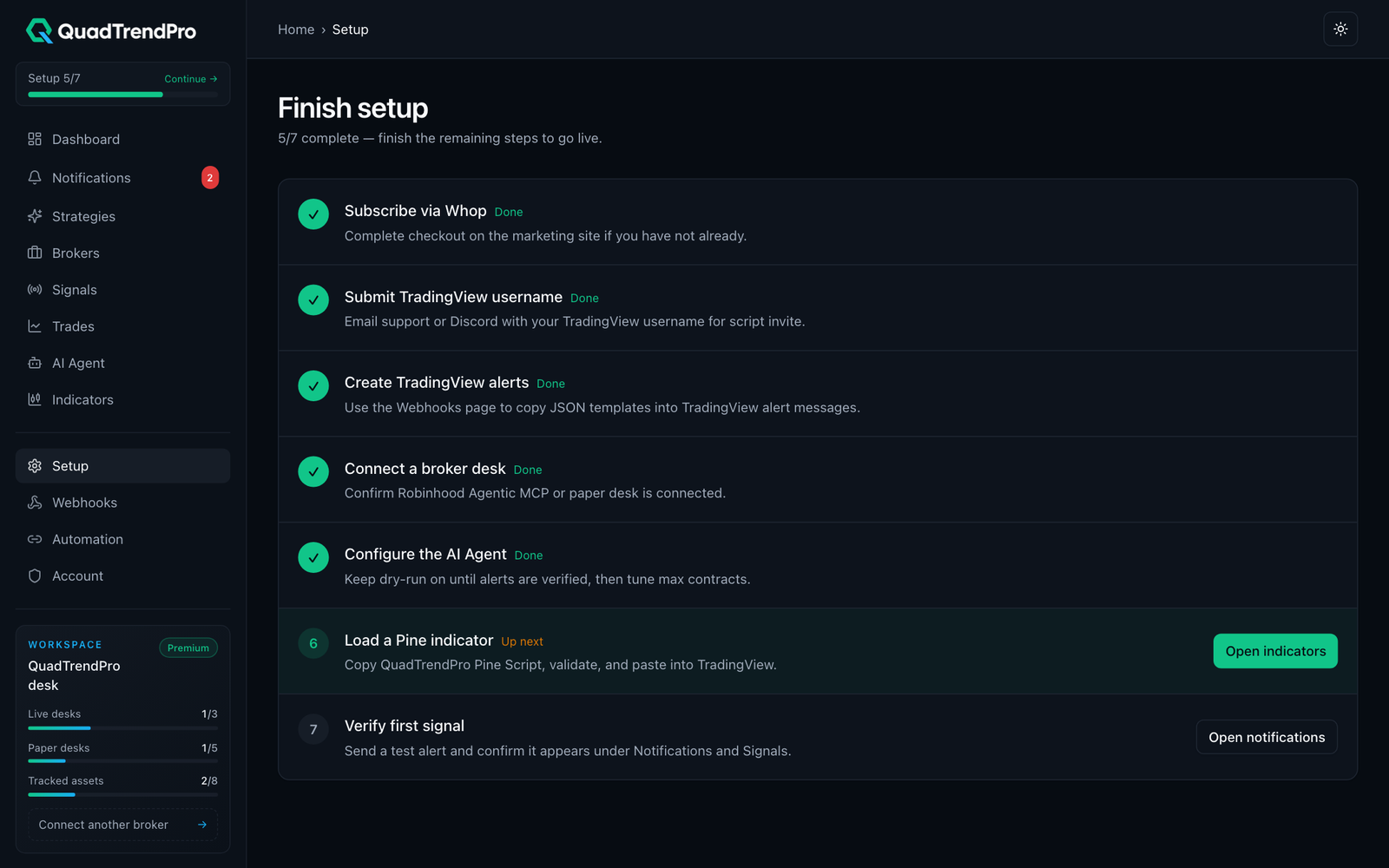
STEP 04
Wire alerts to secure webhooks
Copy your webhook endpoint and JSON payload into TradingView so every alert hits the desk with authentication. Start a 7-day free trial to get your endpoint.
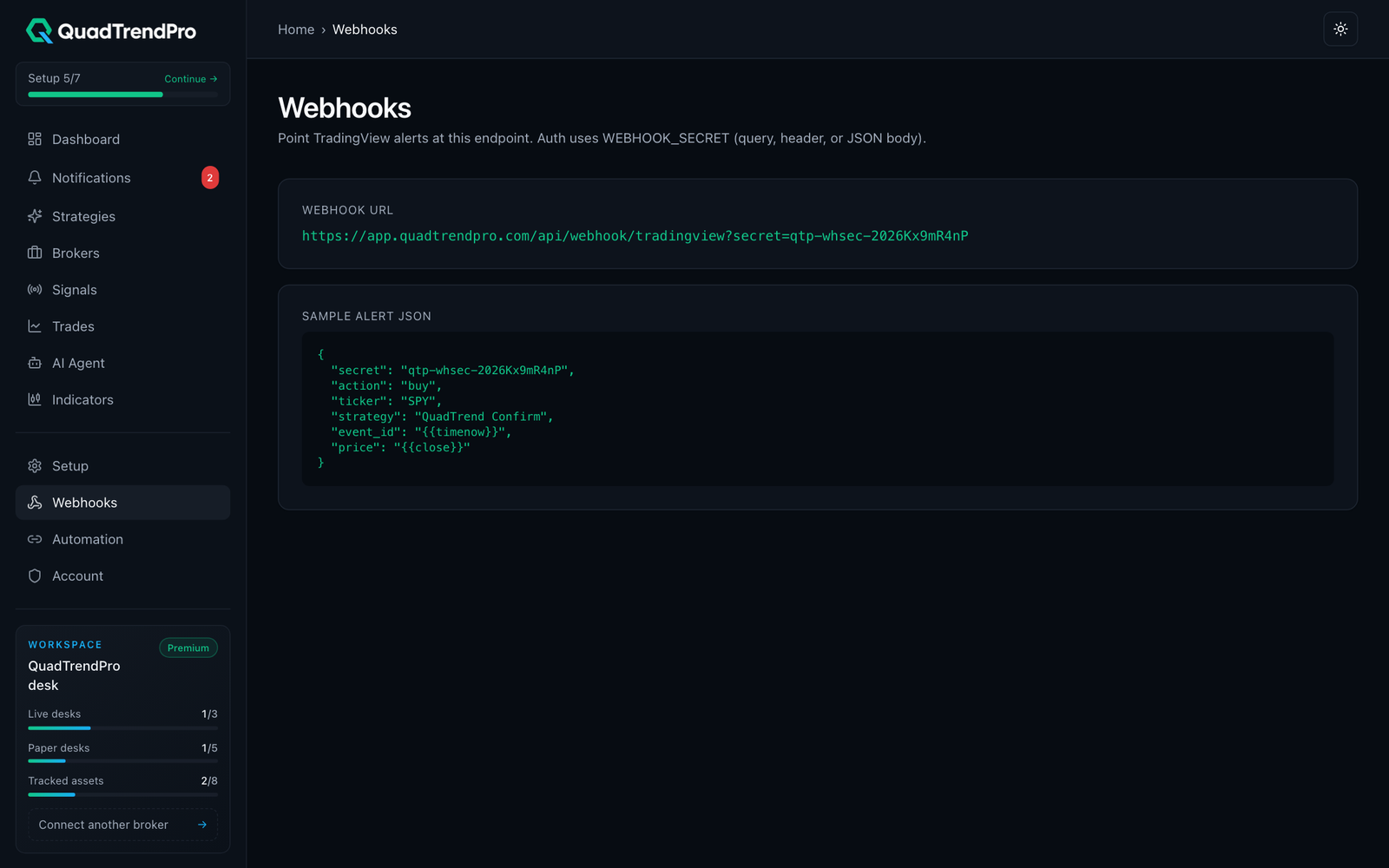
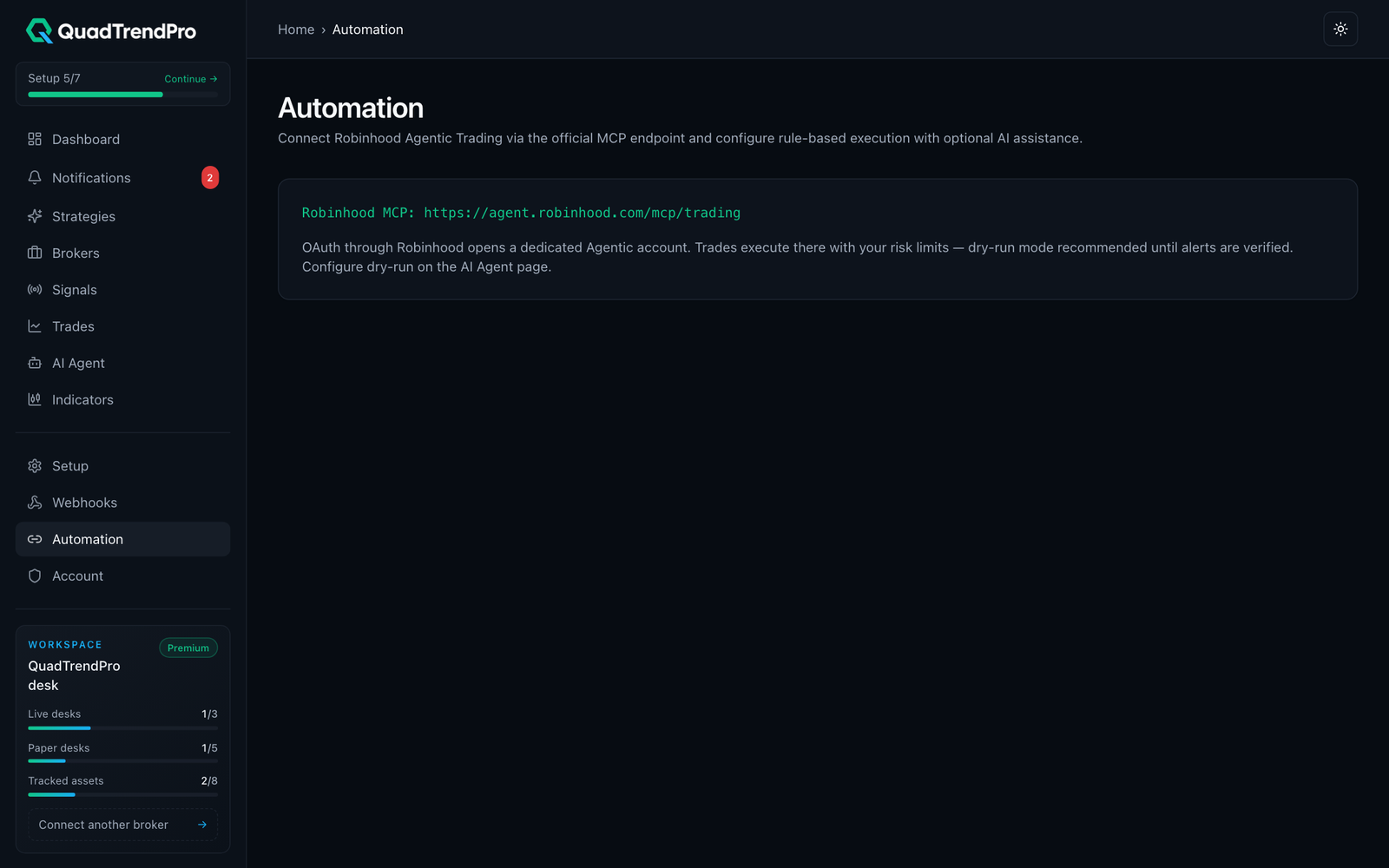
STEP 05
Agentic execution with hard risk limits
Connect Robinhood Agentic MCP and let the agent size, skip, or execute — always inside your max-loss and size caps. Details in FAQ.
Simple pricing for agentic trading
Every plan includes a 7-day free trial, TradingView invite access, Discord support, and the member portal with webhooks + agentic desk.
| Billing period | Monthly | Every 3 months | Yearly |
|---|---|---|---|
| 7-day free trial | |||
| TradingView invite access | |||
| Member portal | |||
| Webhook endpoints | |||
| Agentic dry-run desk | |||
| Robinhood Agentic MCP | |||
| Discord support | Community | Community | Priority |
| Pine indicators library | |||
| Performance charts | |||
| Live broker slots | 1 | Up to 3 | Up to 5 |
| Paper desks | 1 | Up to 3 | Up to 5 |
| Future suite access | |||
| Lifetime updates | |||
| Dedicated onboarding | |||
| Priority support | Business hours | 24/7 priority |
Have a free access code? Redeem it to open the SaaS desk (no Whop checkout required).
Secure checkout · accepted payment methods
- Visa
- Mastercard
- Amex
- Discover
- Apple Pay
- Google Pay
- PayPal
Cards and digital wallets processed through encrypted checkout.